Leave the Home Desk Room for a Notebook Page Turn
Our guides are independently written. Some shopping links may earn us a commission when identified as affiliate links, at no extra cost to you. Read our disclosure.
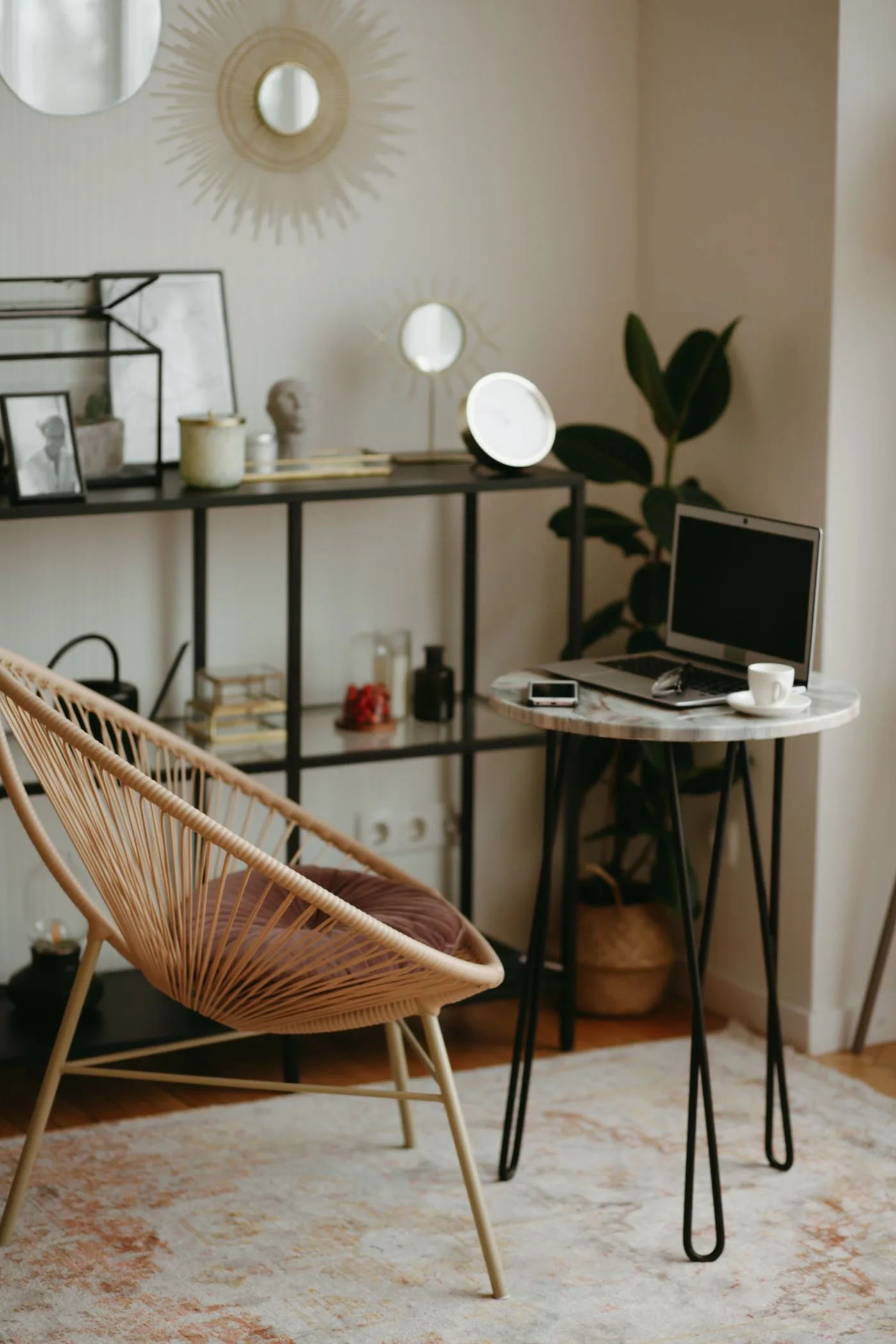
A home desk that alternates between computer work and handwriting needs two usable arrangements, not one permanent display. Give the notebook a working mode in which its pages can move, then make the transition back to the computer straightforward. This can release space without treating every obstruction as a reason to buy smaller furniture.
Define the two modes
Write the minimum objects needed for computer work and for the notebook task. Some items belong in both groups, while others are occasional references. Keep that distinction visible before buying a tray intended to hold everything within arm's reach.
Place the notebook in a comfortable writing position with the computer equipment arranged appropriately for the actual task. Follow relevant equipment and workstation guidance where needed. The aim is not to prescribe one posture or desk geometry, but to identify which objects are competing for the same working patch.
Make a turning lane
Open the notebook and turn several pages. Notice the strip of space the moving edge uses and the place where the guiding hand rests. A keyboard or cable may occupy that lane even when the open pages fit neatly beside it.
Choose a suitable temporary position for the competing object if it can be moved appropriately. Keep cords, devices and other components within their use requirements. Do not create a precarious stack just to clear the page for a photograph.
Give the change one action
Try to make the switch between modes understandable in one small movement, such as returning a loose reference item to its home before opening the notebook. Avoid a plan that requires rebuilding the whole desk every time a short note is needed.
If a fixed object repeatedly blocks the page, compare another notebook angle or suitable working position. Keep the hand movement comfortable and the page supported. A smaller notebook may be an option, but it should still suit the writing task rather than compensate automatically for an unreviewed display group.
Restore the computer mode deliberately
Close or appropriately mark the notebook and move it to its ready place. Check that the computer's required working area is available again. A page left open indefinitely can become an unexplained obstacle for the next task or another household user.
Where the desk is shared, agree when the notebook mode is active and what can be moved. Keep private notes protected appropriately. A shared surface can support different users without requiring everyone to interpret an unlabelled arrangement of personal papers.
After a few transitions, keep only the changes that reduced repeated handling. The successful result is a desk that changes roles predictably, with enough room for the notebook's full action when it is in use and a clear return when computer work begins again.
Related reading
Keep the Small Desk’s Active Paper Group Modest, Give a Weekend Notebook List One Real Commitment.
More considered choices, fewer impulse buys.
Read our editorial standards →